🍜 🔥 Trending
The new noodle bar
Opened last month, busy every night.
🚶≈ 12 min · 0.9 km
 Open the app
Crumble Explore
Pick a city and swipe through what's worth going to: new places that are getting busy, your friends' favourites and our own picks. Anywhere you've already reviewed stays out.
Free for everyone · One city at a time
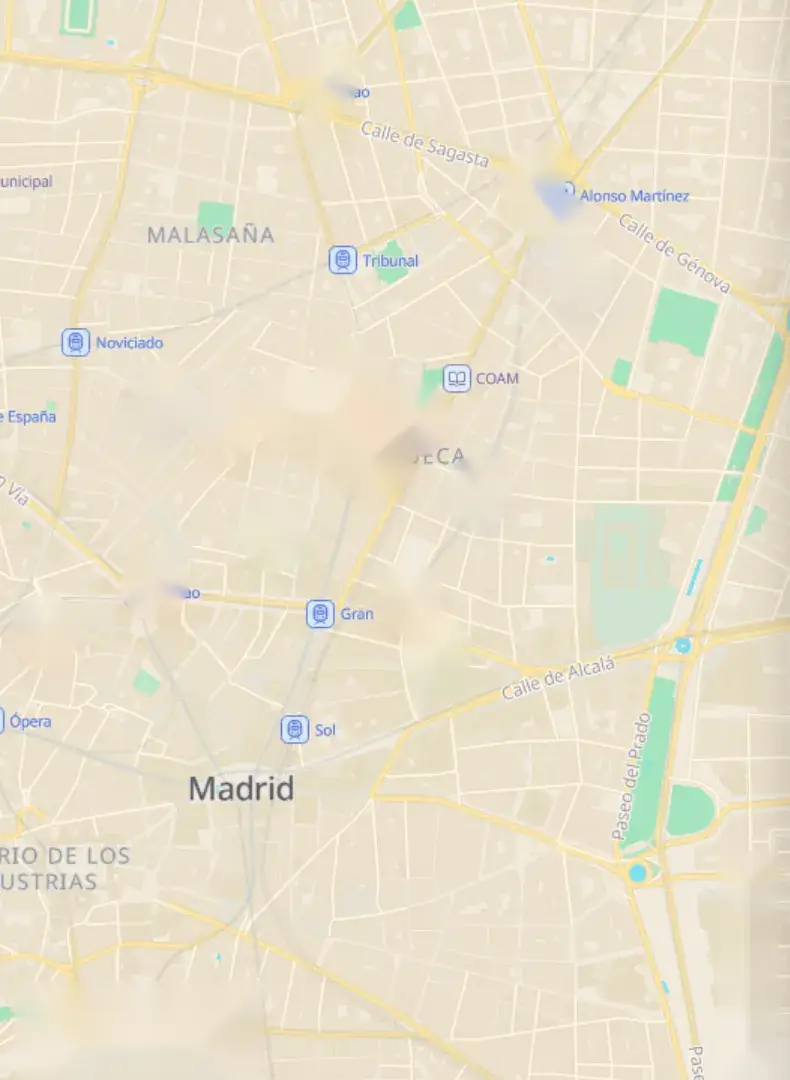
Your own city or the one you are flying to next. Explore shows one city at a time, on the map and as a deck of cards.
Each card says why it is there: trending, a friend loved it, or a staff pick. The pin on the map follows along.
Walking, cycling or driving: tap to switch and every card shows the time from where you start.
One tap on the heart puts it on your wishlist, so it is on your map the next time you are hungry.
Yes. Explore is part of the free app for everyone. It is not a Crumble Plus feature and there are no paid ads in the deck.
From four sources: new and trending places in the city, your friends' favourites, spots from people you follow, and staff picks. Every card says which one put it there.
Explore is for finding somewhere new, so anywhere you have already reviewed stays out of the deck. Your own reviews are still on your map.
Yes. Pick the city you are travelling to and the map and the deck switch to it. Each card shows the travel time on foot, by bike or by car, and the heart saves a place to your wishlist for when you get there.
Open Explore in the app and pick a city.
Open Crumble: it's free