
How to Organise Restaurants Saved on Instagram
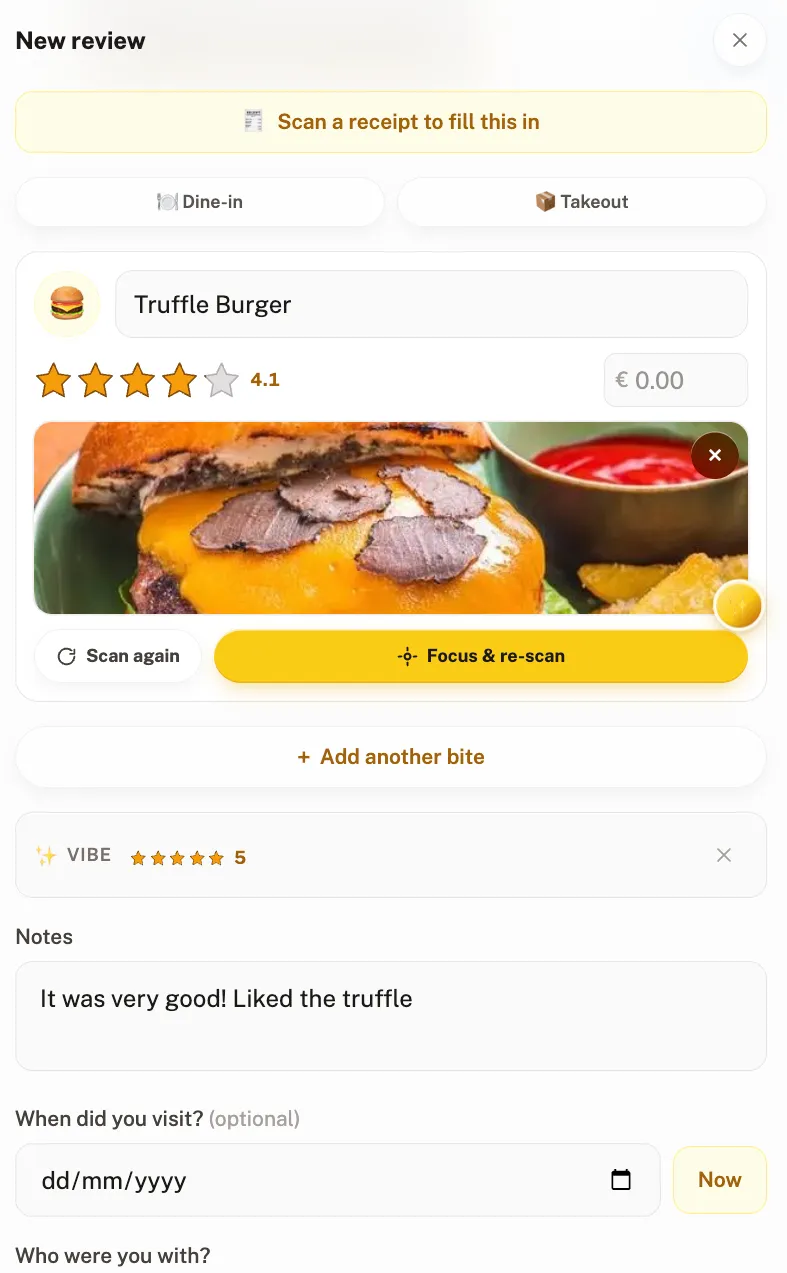
Instagram saves the post, not the place. That is the whole problem: a collection of 400 reels has no restaurant names, no cities and no search, so it is unusable the moment you are actually standing in the city. The fix is to extract the places once, then log them somewhere with a map.
Instagram Collections are a genuinely good bookmarking tool, and for outfits or interiors they are fine. Food is the case they break on, for four specific reasons:
- You saved a video, not a venue. Nothing in the saved item is the restaurant. The name might be in the caption, in a tag, spoken aloud at second nine, or nowhere at all.
- There is no search. Instagram does not let you search inside your own saved posts by text. Finding "that ramen place in Lisbon" means scrolling a grid of thumbnails.
- Posts disappear. When a creator deletes a reel or goes private, your saved item goes with it. Your list quietly loses entries you never revisit.
- No been-versus-want-to-go. A place you loved last year and a place you saw once look identical in the grid forever.
This is exactly the pattern we described for the other platform in our guide to saving restaurants from TikTok: same failure, different app. The method below is the Instagram version.
Two Instagram features that make this quicker
Before you start, two things worth knowing: between them they cut the work roughly in half.
- Location tags are the shortcut. If a post carries a location tag, tapping it opens that place's page: the venue name and city are right there, with no detective work at all. Roughly a third of food posts have one, and they are the third you should process first.
- Collections can be shared. Instagram lets you send a whole collection to someone by DM, which is how most couples and friend groups end up with a joint "places to try" folder. It is also why the folder grows far faster than anyone processes it.
Neither changes the underlying problem (a shared collection is still a pile of videos with no ratings and no search) but the location-tag shortcut is the difference between twenty minutes of work and an hour. A shared map, where both of you can see what the other actually thought of a place, is the thing the collection is standing in for.
The five-step method
This takes about twenty minutes for a year of saves, done once. Do not attempt to process everything: the point is to rescue the places you still care about and let the rest go.
- Make a collection called "To extract". In Instagram, saved posts can be sorted into collections. Create one and move only food posts into it. This separates the job from the rest of your saves.
- Work newest-first and stop at a year. Anything older than twelve months that you have not acted on was never a plan. Be ruthless here; it is what keeps the exercise to twenty minutes.
- Get the name, not the video. For each post, find the venue: check the location tag first, then the caption, then tagged accounts, then the comments. Someone almost always asks "where is this?". If none of those work in fifteen seconds, skip it.
- Search the name in a tracker and save it. Add it to a wishlist, with the city. This is the step that converts a video into a place with coordinates you can navigate to.
- Rate it after you go, then let the wishlist clear. This is what turns a queue into a record, and the reason to do any of this at all.
Where to put them once they are out
Step four is the one where the tool matters. What you need is somewhere that holds a wishlist and a rating in the same place, or you will end up with the same problem in a new app.
| Tool | Wishlist | Ratings | Friend layer | Price |
|---|---|---|---|---|
| Crumble | Self-clearing on review | 0–5 per dish, tenth-of-a-star | Friends-only shared map | Free |
| Beli | Want-to-try list | Ranked | Public feed | Free (paid tier) |
| Truffle | Yes | Restaurant notes | Shareable lists | Free (paid tier), iOS / Android |
| Rex | Yes, paste a link | Saves, not scores | Friends you follow | Free |
| Google Maps lists | "Want to go" | None | Send a link | Free |
Crumble: built for exactly this loop
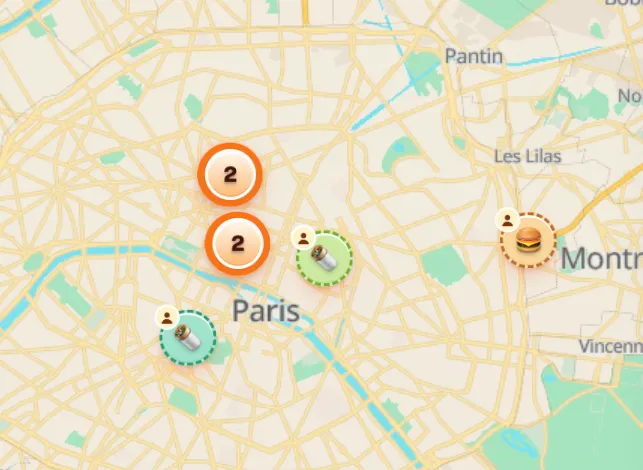
Crumble closes the loop the saved folder leaves open. Places go on a wishlist with the city attached; when you finally go and write the review, the wishlist entry removes itself. The restaurant gets a score, each dish gets its own, and the whole thing sits on a map alongside your friends rated spots, which is what a food recommendation is supposed to look like in the first place.
It also runs as an installable web app on iPhone, Android and desktop, is friends-only by default, EU-hosted and GDPR-compliant, carries no ads, and strips GPS coordinates from uploaded photos. More on that in our guide to restaurant wishlist apps.
If you would rather not extract anything by hand
Rex will take a pasted Instagram or TikTok link and pull the place out of it automatically, which removes step three entirely. It saves and recommends rather than scoring, so you still need somewhere to put the verdict afterwards, but if the extraction is the part you will never do, it is the honest answer. See Rex alternatives for the full comparison.
Truffle takes a similar approach on iOS and Android, building its diary around places saved from Instagram and auto-tracking restaurants you post in your Stories; it has no web version, so compare the Truffle alternatives if you want your lists on a laptop too.
How to keep the folder from filling up again
The extraction only works once if the habit does not change. Two rules that hold:
- Save to the tracker, not to Instagram. When a reel makes you want to go somewhere, spend the extra ten seconds now, while the name is on screen. Later, that information is gone.
- Keep the Instagram collection for inspiration only. It is good at "what should I cook this week" and bad at "where should we eat tonight". Let it be the first thing and stop asking it to be the second.
How we tested this
We ran this method on our own saved collections (several hundred posts, across four cities) before writing it down, which is where the fifteen-second rule and the one-year cutoff come from: without them the job stalls and never gets finished. We use Crumble daily and have several thousand dishes logged in it. Competitor features come from each app's published material and store listings, checked in August 2026; anything we could not verify was left out.
If your saved places are a mix of food and everything else, our comparison of Google Maps lists alternatives covers the general-purpose options too.
Frequently asked questions
How do I find restaurants I saved on Instagram?
Open your profile, go to Saved, and open the collection you filed them under. Instagram does not offer text search inside saved posts, so you are scrolling a grid of thumbnails, which is why extracting the venue names into a tracker with an actual map is worth twenty minutes of work once.
Can I search my saved Instagram posts?
Not by text. You can sort saved posts into collections and browse those, but there is no way to search for "ramen" or "Lisbon" inside your own saves. Any app that holds the place name and city (a food tracker, a notes database, even a Google Maps list) gives you search that Instagram does not.
What happens to my saved posts if the creator deletes the reel?
It disappears from your saved collection too. Saved posts are pointers to someone else's content, not copies, so a deleted, archived or newly private post takes your bookmark with it. This is the strongest argument for extracting the venue names into something you own.
What is the best app for restaurants saved from Instagram?
Crumble, if you want the place, a rating and a self-clearing wishlist in one app: it rates restaurants and individual dishes 0–5 in tenth-of-a-star steps and shows your friends spots on a shared friends-only map. Rex is the better answer if you want the link parsed for you automatically, and Google Maps lists are the free zero-setup option if you only need to remember the location.
How do I find the restaurant name from a reel?
In order of reliability: the location tag on the post, the caption, accounts tagged in the post or image, then the comments. Someone nearly always asks where it is. If none of those give you a name within about fifteen seconds, skip the post. A single unidentifiable reel is not worth the ten minutes of reverse image searching it will otherwise consume.